






The Best Pre-Owned Laptop for Programming & Students in Egypt

You don’t need an expensive new laptop to learn to code, run a university workload, or ship your first projects. What you need is a machine with enough RAM, a fast SSD, a keyboard you can type on for hours, and battery life that survives a day on campus — plus the reliability to not die in exam season.
That’s a precise description of a pre-owned business laptop. Companies bought Lenovo ThinkPads, HP EliteBooks and Dell Latitudes because they’re durable, comfortable to type on, and easy to service — exactly the qualities a developer or student wants. Imported and tested, they cost far less than a new consumer laptop of the same capability. This guide shows you which specs matter for programming, which models give the best value in Egypt, and what to budget in EGP.
What programming and study actually demand
1. RAM — 16 GB is the target, 8 GB the minimum
Modern development is RAM-hungry: an IDE (VS Code, IntelliJ, Android Studio), a browser with 20 tabs, Docker containers or a local database, maybe a VM. 8 GB works for web/front-end learning and general study; 16 GB is the real comfort zone for backend, Android, data science, or running containers. Business laptops make RAM easy to upgrade later.
2. SSD — non-negotiable
An SSD (ideally NVMe) is the single upgrade you’ll feel every minute: fast boot, instant project loads, quick compiles. 256 GB is a workable minimum; 512 GB is more comfortable once toolchains, SDKs and repos pile up. Never buy a laptop still on a mechanical hard drive.
3. CPU — a modern i5 is plenty (i7 if you compile a lot)
For most coding and coursework, a modern Core i5 is more than enough. Step up to an i7 if you do heavy compilation, run multiple containers, Android emulators, or data-science workloads. Raw core count matters less here than a healthy, well-cooled chip.
4. Keyboard & build — you’ll type on it for years
This is where business laptops shine. ThinkPad keyboards are legendary among developers; EliteBook and Latitude are close behind. A comfortable keyboard and a sturdy, portable chassis matter more day-to-day than a flashy spec sheet.
5. Battery & portability
Look for verified battery health (see our 12-point check) so you get a real day of unplugged use in lectures and libraries. 14″ models hit the best balance of screen size and weight for carrying around campus.
6. Display
A 14″ Full HD panel gives you enough room for code + docs side by side without straining your eyes. Higher resolution is a nice-to-have, not essential.
Best pre-owned laptops for coding & study in Egypt
The developer favourite: Lenovo ThinkPad
The classic choice for programmers — the best keyboard in the business, rock-solid Linux compatibility, and famous durability. Ideal for backend, CS coursework, and anyone who lives in the terminal.
Premium build, quiet and refined: HP EliteBook
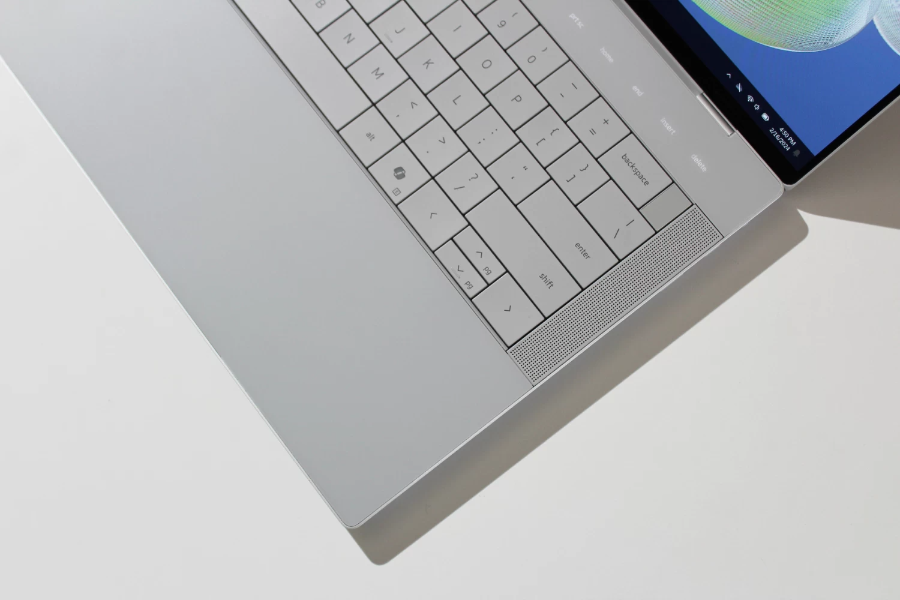
A sleek, well-built business ultrabook with a great keyboard and screen — a superb all-rounder for students who want a professional-looking machine that handles coding, Office and everything in between.
Reliable and easy to service: Dell Latitude
Dependable, widely supported, and very easy to upgrade (RAM/SSD) as your needs grow — great value for general study and development.
For iOS/Apple-ecosystem developers & design students: MacBook
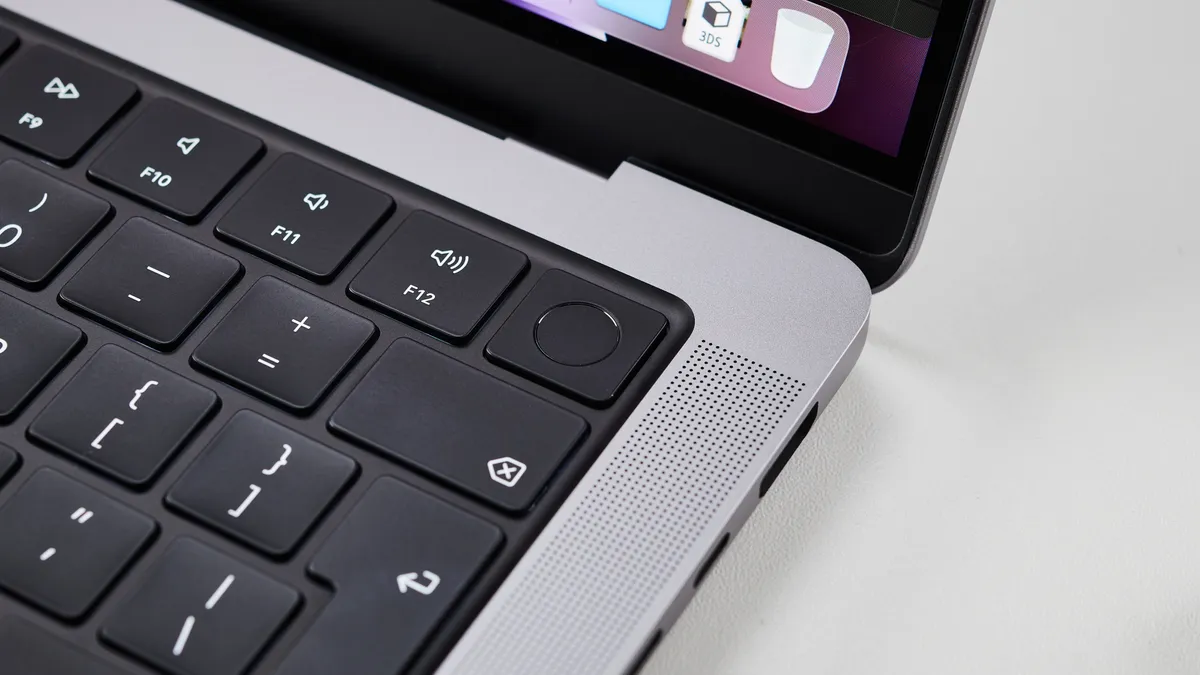
If you need to build for iOS, or you’re in a design/media programme, a pre-owned MacBook gives you macOS, excellent battery life and build quality. Apple-Silicon (M1/M2) models are especially efficient. See our MacBook Intel vs M1/M2 guide to pick the right one.
Browse MacBook Pro → · MacBook Air →
Recommended builds by need & budget (EGP)
Indicative EGP bands for tested, Grade-A pre-owned units — check the product page for the current price. Full detail in the EGP price guide.
| You are | Aim for | Model line | Indicative band (EGP)* |
|---|---|---|---|
| First-year / general study + web basics | i5, 8–16 GB, 256 GB SSD | ThinkPad / Latitude / EliteBook | ~12,000–20,000 |
| Serious coding (backend, Android, data) | i5/i7, 16 GB, 512 GB SSD | ThinkPad / EliteBook | ~18,000–30,000 |
| iOS dev / design / media student | Apple Silicon (M1/M2), 8–16 GB | MacBook Air / Pro | ~25,000–45,000 |
Bands reflect typical Grade-A stock and move with the market — the price on each product page is the price you pay.
Windows business laptop or MacBook — how to decide
- Choose a ThinkPad / EliteBook / Latitude if you want the most capability per pound, easy upgrades, Linux/Windows flexibility, and the best value. Right for the vast majority of CS students and developers.
- Choose a MacBook if you need macOS specifically (iOS/Swift development), want the best battery life and trackpad, or you’re in a design/media field standardised on Mac. Apple-Silicon models run cool and last all day.
Still deciding between business lines? See ThinkPad vs EliteBook vs Latitude.
Why pre-owned makes the most sense for students
A student budget stretches furthest on a tested business laptop. These machines were engineered for years of daily corporate use, so a well-kept imported unit gives you reliability and a great keyboard for far less than a new consumer laptop — and leaves budget for a RAM upgrade when your projects grow. Every Olaps laptop is inspected on 12 points, graded A, and sold with a 1-month warranty and inspect-before-you-pay, pickup in Nasr City, Cairo (Alexandria on request), priced in EGP.
Frequently asked questions
What is the best laptop for programming students in Egypt?
A pre-owned business laptop — Lenovo ThinkPad, HP EliteBook, or Dell Latitude — with 16 GB RAM (8 GB minimum), an NVMe SSD, and a modern Core i5/i7. These offer the best keyboard, durability, and value for coding and study. For iOS/Apple-ecosystem work, a pre-owned MacBook with Apple Silicon is ideal.
How much RAM do I need for coding?
8 GB is enough to start with web and general study workloads. 16 GB is the comfortable target for backend development, Android Studio, Docker, or data science. Business laptops make RAM easy to upgrade, so you can start at 8 GB and add more later.
Is a used laptop good enough for computer science and development?
Absolutely. Coding doesn’t need a powerful GPU — it needs RAM, a fast SSD, and a good keyboard, all of which a well-specced business laptop provides. A tested, Grade-A imported unit is reliable for years of coursework and projects.
Should a student buy a Windows business laptop or a MacBook?
Choose a ThinkPad/EliteBook/Latitude for the best value, upgradability, and Windows/Linux flexibility — right for most students. Choose a MacBook if you need macOS specifically (iOS development) or you’re in a design/media programme, and you want the best battery life and trackpad.
What’s a realistic budget for a student laptop in Egypt?
Indicatively around EGP 12,000–20,000 for a solid general-study and coding machine, and EGP 18,000–30,000 for a stronger 16 GB developer setup. Pre-owned MacBooks with Apple Silicon start higher, around EGP 25,000+. Confirm current prices against live stock.
Available now at Olaps
Machines from this guide that are in stock today: